
Account support
Delete your account.
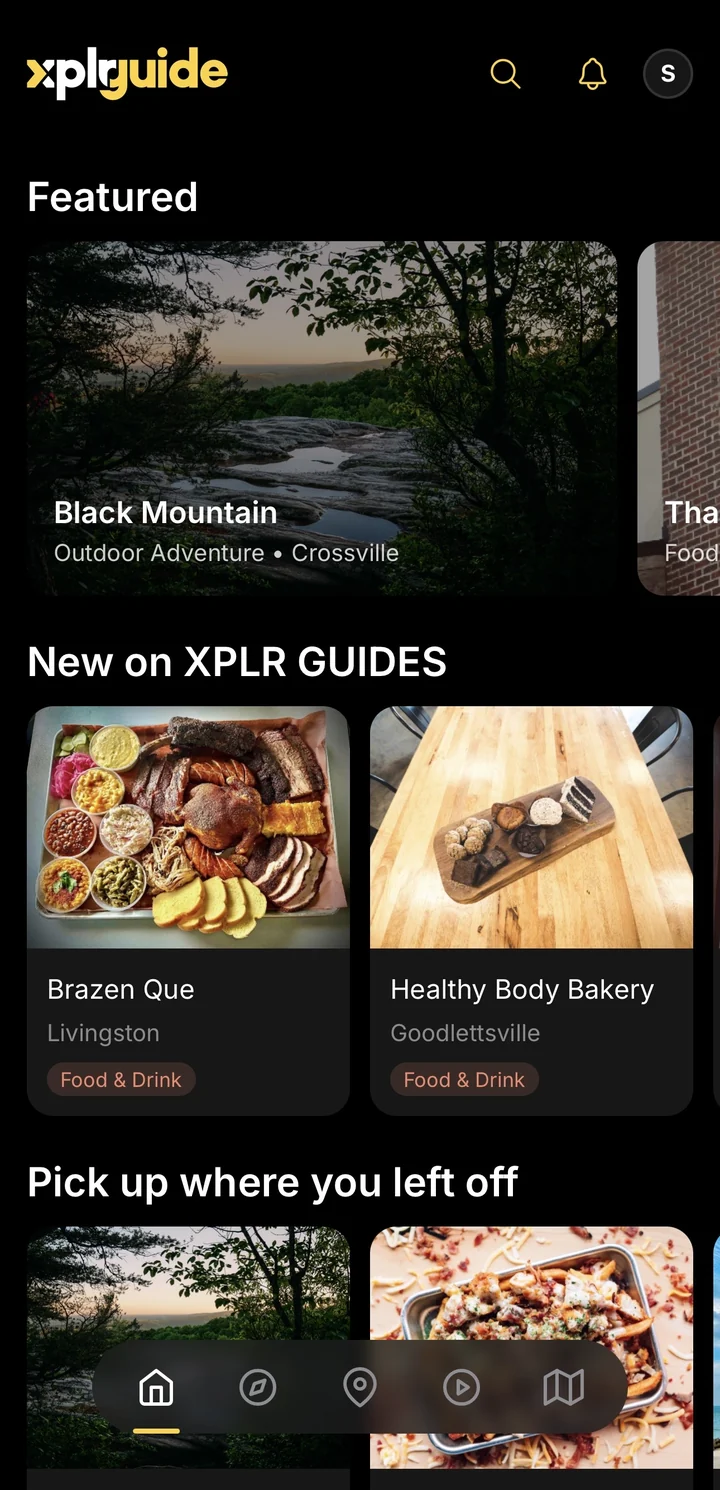
You can delete your account and your data right in the XPLR GUIDE app. If you no longer have the app, a human on our team can handle it by email.
01
In the app.
Open XPLR GUIDE, go to your account settings, and choose Delete Account. Follow the prompts to confirm.
02
Or email us.
Email support@xplrguide.com with the subject line "Account deletion request," sent from the email address connected to your XPLR GUIDE account.
03
We verify it's you.
Follow the verification steps we reply with, so we can confirm the request is really yours.
Deleting your account removes your saved places, lists, itineraries, and private notes. Some records may be retained where required for security, legal, or accounting reasons. See the Privacy Policy for specifics.